

Building JobPilot's Technical Architecture
Inside JobPilot's SvelteKit, Convex, FastAPI, Supabase, Gmail, and task-agent architecture, from a personal search request to an updated application board.
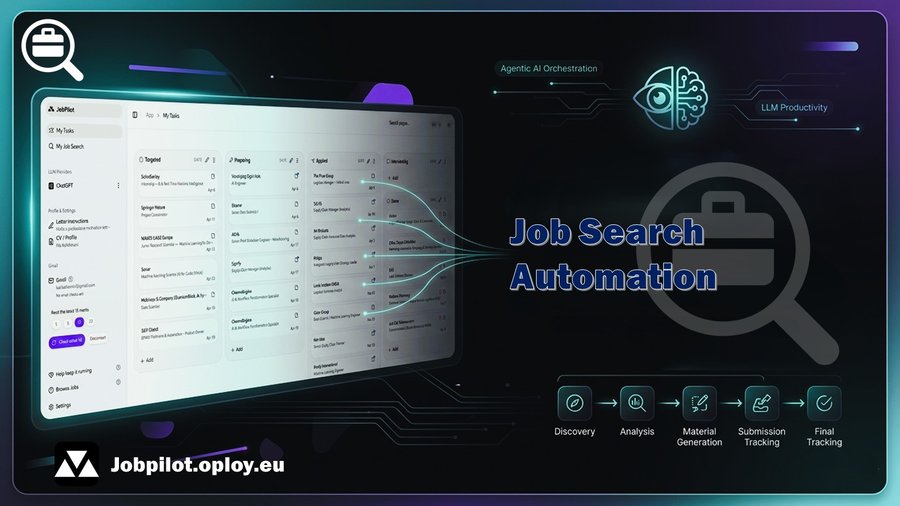
JobPilot is a multi-service application rather than a single prompt wrapped in a user interface. I built the main application with SvelteKit, store reactive task state in Convex, run personal job retrieval through a separate FastAPI service, persist search data in Supabase Postgres, and use Gmail signals to update the application board.
The technical design follows one rule: search results, imported job descriptions, generated documents, and email outcomes must all resolve to the same structured task record.
System boundaries and data flow
SvelteKit owns pages and server routes. Convex owns user-scoped application state and orchestration. The Python service owns scraping, normalization, deduplication, and ranking. Supabase stores search profiles, runs, canonical jobs, and matches. This separation keeps a slow search run or external API failure away from the interactive task-board runtime.
1. Personal search as a separate service
The My Job Search page sends user-owned keywords, location, country, date window, source selection, and remote preference through src/routes/api/personal-search/+server.ts. Keyword suggestions are handled separately in suggest-keywords/+server.ts, and send-to-tasks/+server.ts converts selected results into application tasks.
The backend performs scraping, normalization, deduplication, ranking, and selective enrichment before writing structured results to Supabase. This instance is not locked to my optimization search. Each user supplies their own terms in My Job Search, or derives them from a CV profile, without redeploying the shared service.
2. Normalize every job into one task schema
A job can enter from pasted text, a URL, a company page, or a personal search result. src/lib/convex/todo/jobInput.ts normalizes those inputs before the task agent works on them, and the task fields are defined in src/lib/convex/schema.ts. Role, company, source URL, description, status, and generated artifacts therefore stay attached to one record.
The screenshots below show the user flow, while the technical purpose is ingestion into that shared schema.
From a description
Step 1. Open JobPilot and go to the main Get Started area.
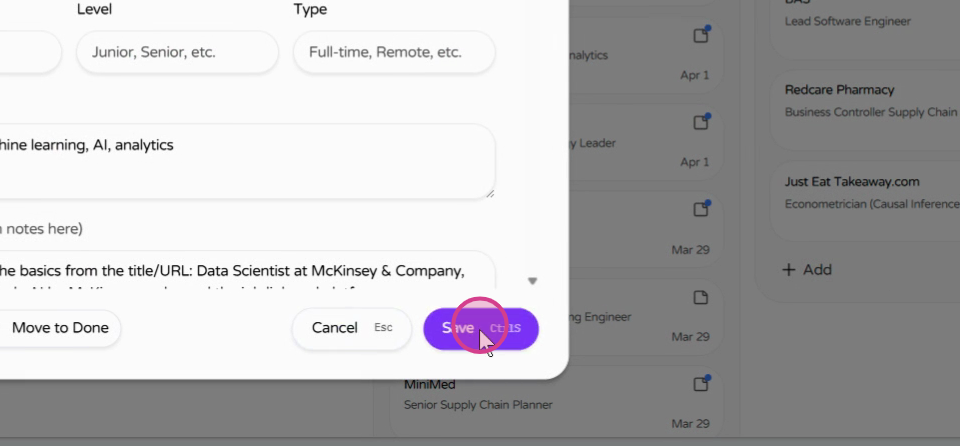
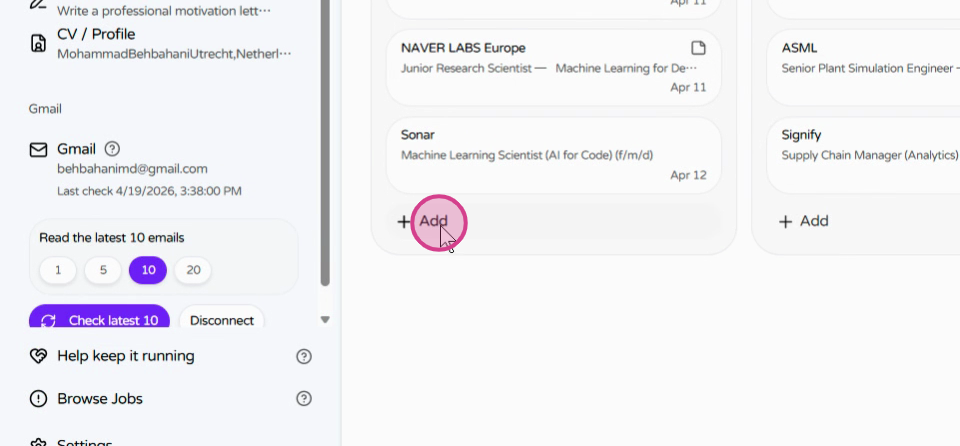
Step 2. Click Add Job to create a new entry.
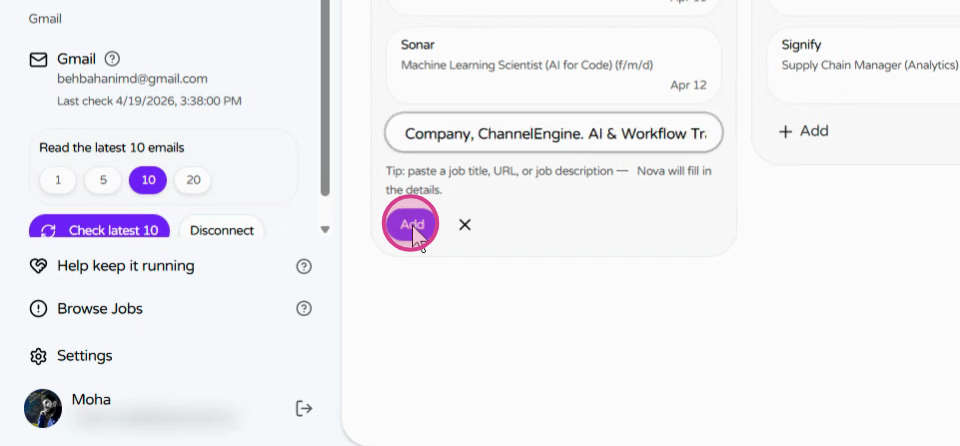
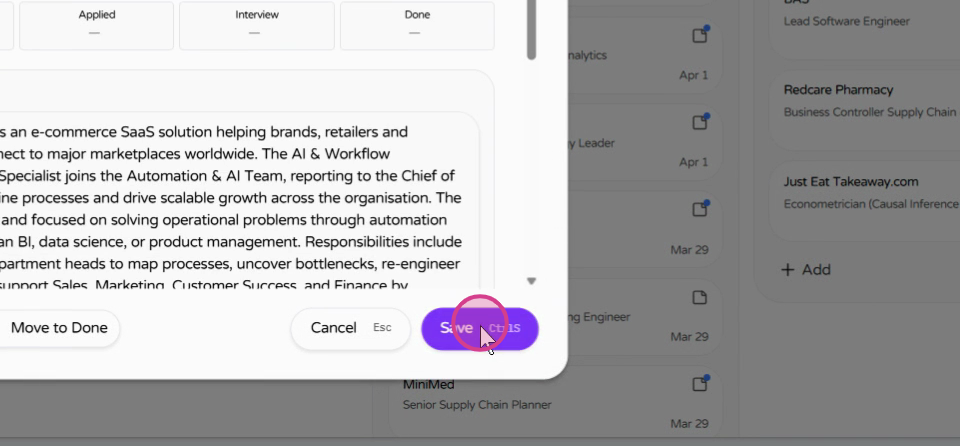
Step 3. Paste the job description into the input field.
Step 4. Review the extracted details, complete any missing fields, and click Save.
From a URL
Step 5. To add a job from a website, paste the job URL into the link field.
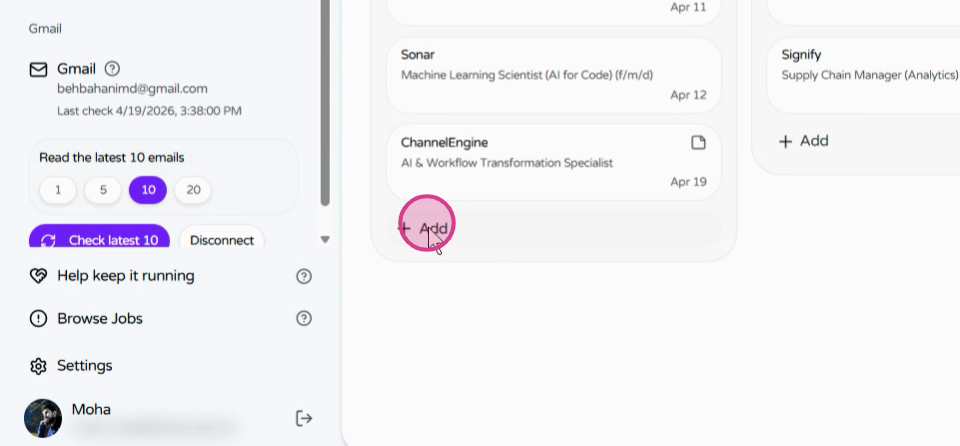
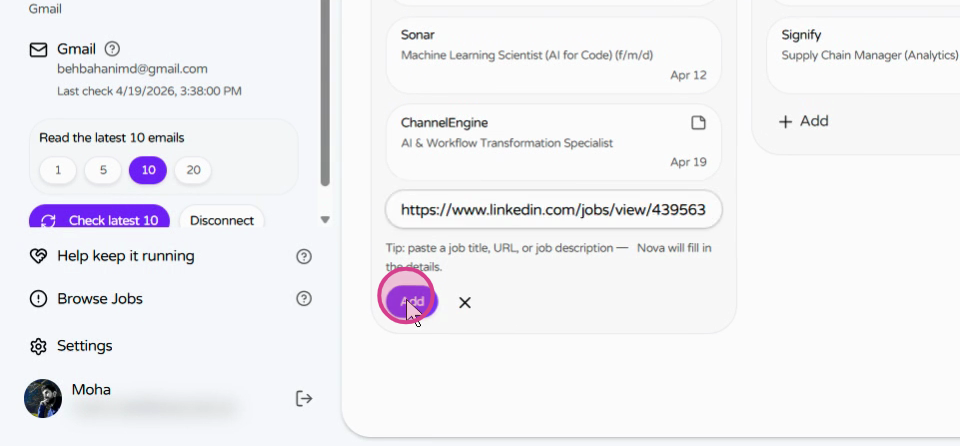
Step 6. JobPilot automatically reads the page and extracts the job information.
From a company page
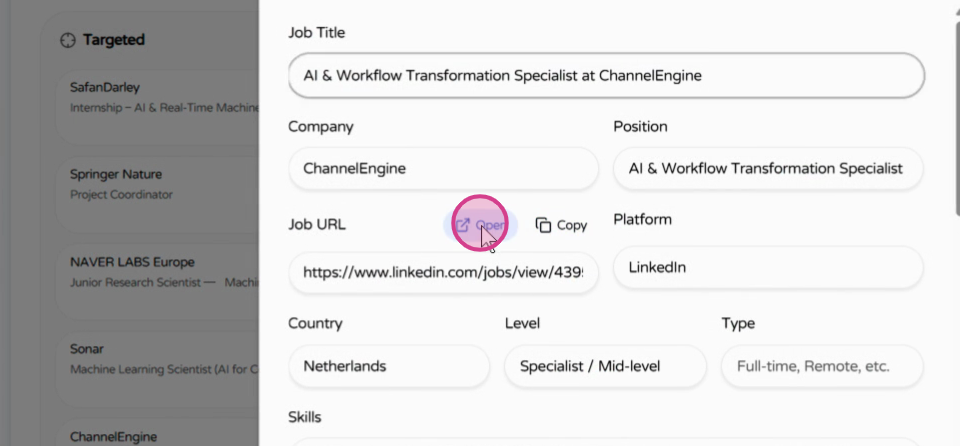
Step 7. You can also import jobs directly from company job pages or shared links.
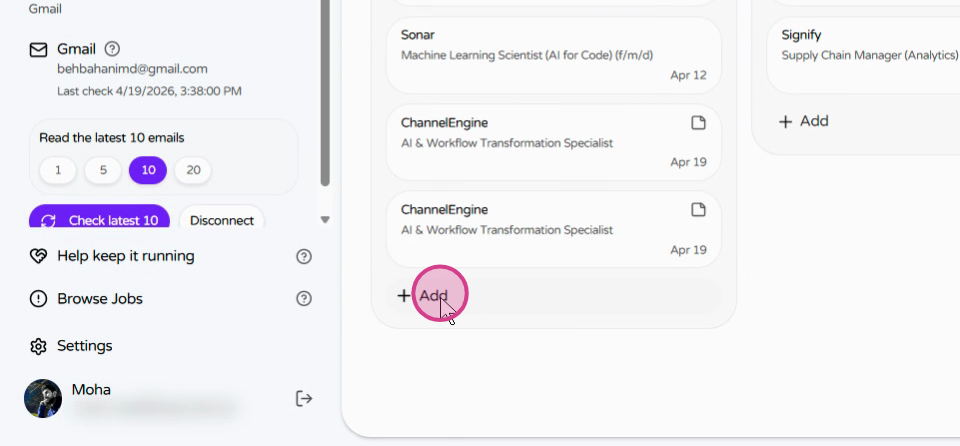
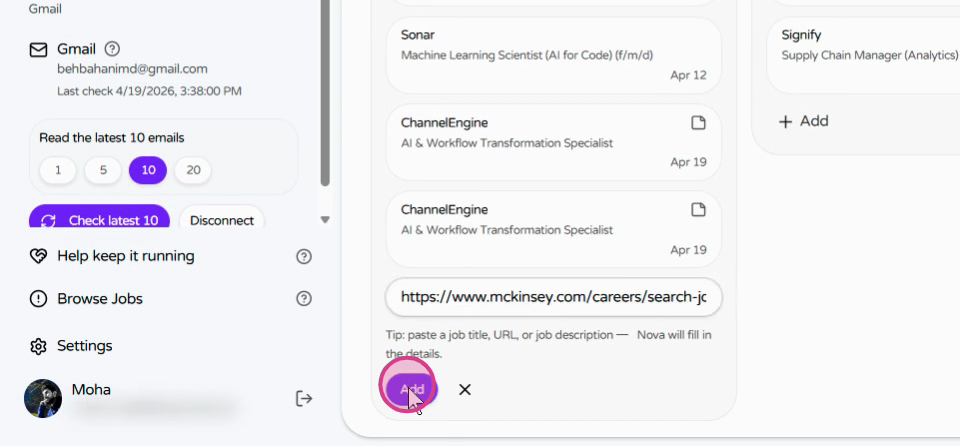
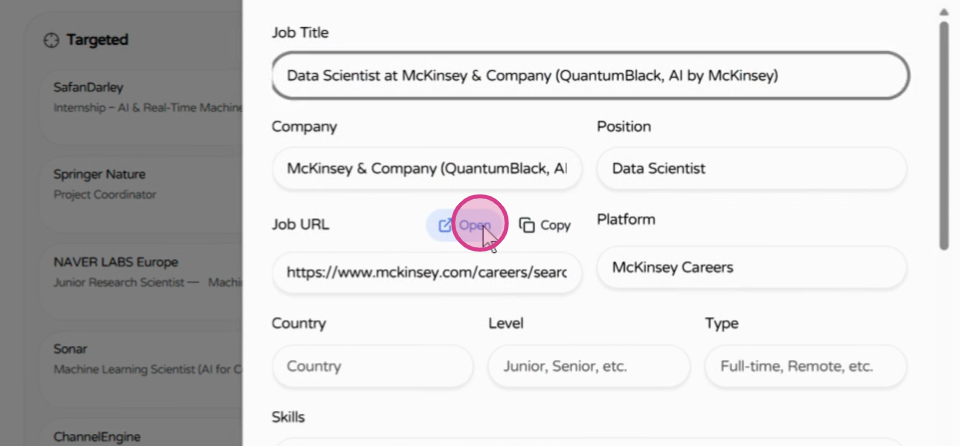
Step 8. Review the imported details, then open the original posting or copy the source link.
3. Bound the task agent with stored context
src/lib/convex/todo/agent.ts defines when the agent may generate a motivation letter. It reads the job description, the stored CV or profile, and the user's reusable letter instructions. It generates only when the task reaches the preparing stage and the letter field is empty, which prevents an agent run from silently overwriting a reviewed draft.
src/lib/convex/userSettings.ts manages the reusable profile and instructions. src/lib/convex/todo/messages.ts runs the model interaction, and the resulting letter is written back to the existing task for review, editing, copying, or download. The model call is one bounded step inside application state, not the state itself.
4. Match Gmail events to existing tasks
The Gmail integration is implemented in src/lib/convex/gmail.ts. OAuth requests read-only Gmail access. The sync retrieves recent messages, extracts sender, company, position, interview links, and date text, then scores candidate tasks with scoreTaskMatch. Strong company and position evidence increases confidence before an application record is updated.
Heuristics handle clear interview, rejection, acceptance, and follow-up signals first. A model fallback is reserved for messages that remain ambiguous. This ordering controls latency and model use while keeping the final task mutation explicit. Gmail is an input signal; Convex remains the source of application state.
Engineering decisions behind the workflow
The project keeps interactive state, long-running search, persistence, external email, and model calls behind separate interfaces. It also includes retry-aware actions, stuck-task cleanup, duplicate prevention, and explicit user-visible states. Those details matter more than the number of features because they determine whether the workflow survives partial failure.
To adapt JobPilot, start in My Job Search with your own keywords. For code-level changes, the main extension points are the SvelteKit API routes, Convex schema and actions, the FastAPI search service, and the Supabase search schema.
Run and inspect the system
- Open JobPilot to run the workflow.
- Configure a personal search with your own terms and sources.
- Watch the focused walkthroughs for search, job capture, application documents, and Gmail tracking.
- Read the ChatGPT device authorization article for the per-user model connection.