

Connecting JobPilot to ChatGPT with Device Authorization
A code-level look at JobPilot's ChatGPT device authorization flow, token storage and refresh, per-user isolation, and authenticated calls to the Codex response endpoint.
JobPilot lets an authenticated user connect a ChatGPT account and use that authorization for task-agent work. The interesting part is not the Connect button. It is the device authorization lifecycle behind it: issue a user code, poll for approval, exchange the authorization code, isolate tokens by JobPilot user, refresh expired access, and keep credentials away from the browser.
The implementation is in src/lib/convex/openai.ts, the connection schema is in src/lib/convex/schema.ts, and the model adapter is in src/lib/convex/support/llmProvider.ts.
The implemented authorization flow
initiateDeviceAuth requests the user code. pollDeviceAuth treats pending responses separately from failures, then exchanges the approved code for tokens. getValidAccessToken refreshes an expiring token with a 60-second safety buffer.
Run the connection from JobPilot
- Sign in to JobPilot.
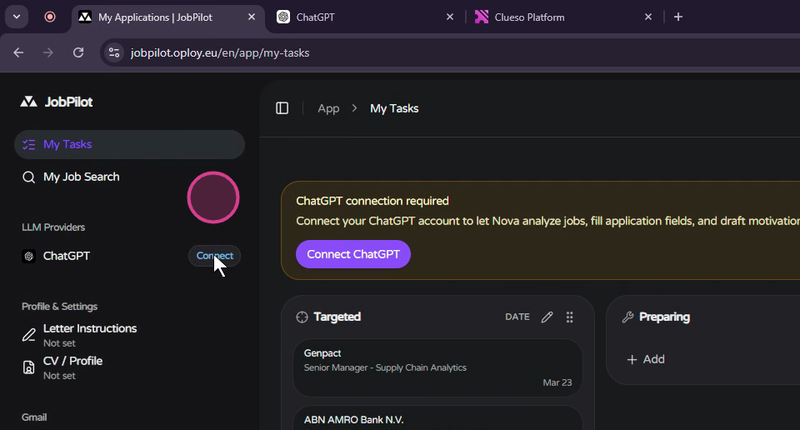
- Open Connections and start the ChatGPT connection.
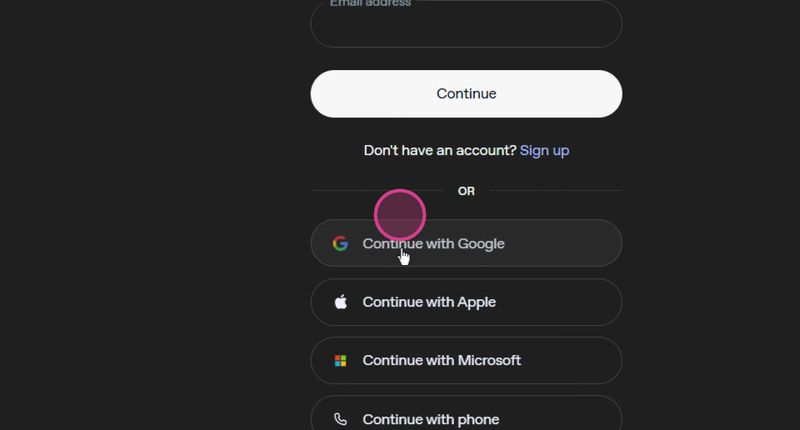
- JobPilot opens the authorization page for the connected ChatGPT account. Complete the account sign-in method shown there.
- If device authorization is disabled for the account, follow the security-settings link shown by the provider, enable it, and restart the flow.
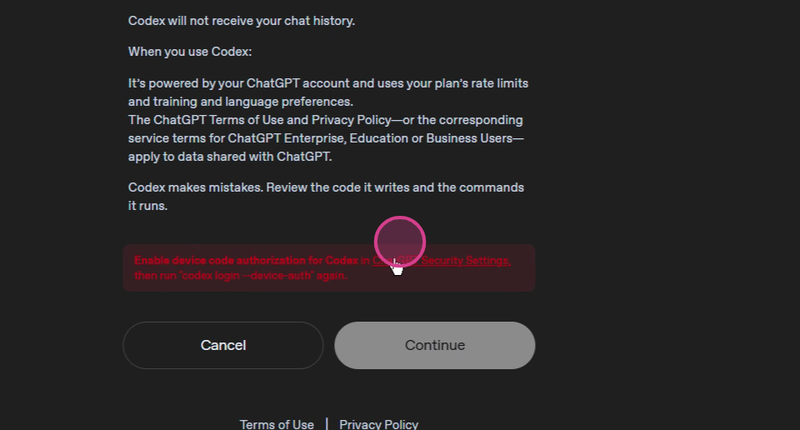
- Copy the displayed security code and approve it on the authorization page.
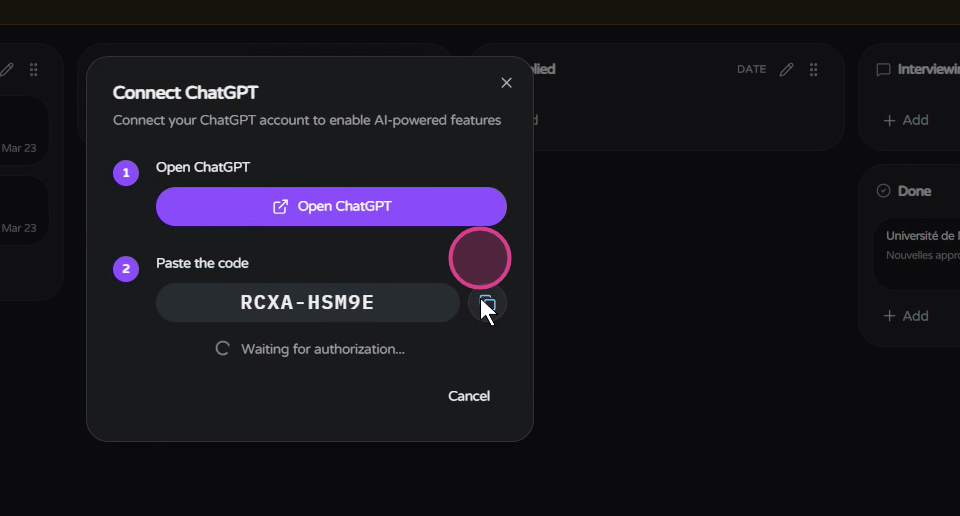
- Return to JobPilot and wait for the connected status.

The browser receives connection status, account email, plan type, and expiry state. It does not receive the stored access or refresh token.
Security and reuse points
The openaiConnections table is indexed by the authenticated JobPilot user ID. Server-side actions retrieve and refresh tokens, while the public status query omits both token values. Before adapting this pattern, add token encryption appropriate to your persistence layer, audit disconnect and revocation behavior, and confirm the provider's current authorization and API requirements.
The model adapter also sets store=false, supplies the ChatGPT account ID when available, and converts system messages into the instructions field expected by the response endpoint. Those details belong in code and tests because they can change independently of the connection UI.
Inspect the working flow
- Open JobPilot and use Connections after signing in.
- Watch the connection walkthrough.
- Read the complete JobPilot architecture to see how authentication, Convex state, search, Gmail, and the task agent fit together.