

Building the JobLab Analytics Frontend
How I built the Next.js, TypeScript, Mantine, ECharts, Zustand, and Supabase frontend that turns JobLab's normalized job records into interactive analysis.

JobLab is the frontend layer of a larger data system. A scheduled Python pipeline writes normalized postings to Supabase Postgres. This Next.js application reads those records, keeps filter state in Zustand, and renders linked analytical views with Apache ECharts and Mantine components.
The deployed instance at job.oploy.eu is tuned to optimization, operations research, supply chain, decision science, and related quantitative roles. The frontend architecture is reusable with another job taxonomy and dataset.
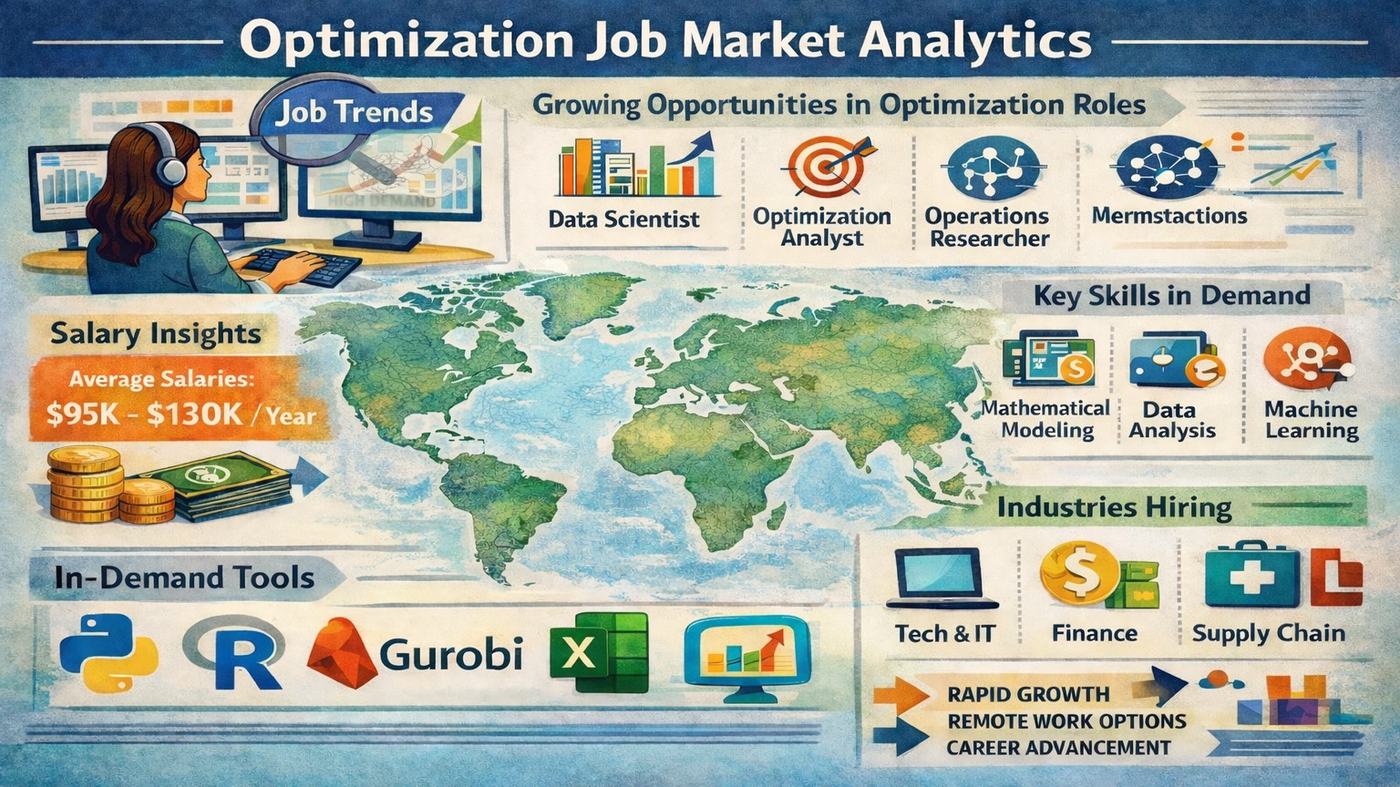
Frontend architecture
The application uses the Next.js App Router. Dashboard pages live under src/app/dashboard/, reusable chart components under src/components/charts/, filter controls under src/components/filters/, and shared state under src/store/. Server routes in src/app/api/ separate trusted backend calls from browser-side Supabase queries.
The main data path is:
Supabase job records -> API and query layer -> Zustand filter state -> ECharts options -> linked dashboard views
A country, function, skill, or time selection therefore changes a shared query context rather than creating ten unrelated charts.
Ten views over one normalized schema
The interface includes a job table, education distributions, industry analysis, skills and tools, search terms, country, experience level, job function, and time-series views. Heatmaps, treemaps, maps, and timelines all depend on standardized fields produced upstream.
This is why the pipeline and frontend are separate repositories. Scraping and taxonomy changes belong in the data pipeline. Visual aggregation, filtering, interaction, and responsive layout belong here.
Configuration and extension points
The browser needs NEXT_PUBLIC_SUPABASE_URL and NEXT_PUBLIC_SUPABASE_ANON_KEY for approved client-side access. Trusted server routes can use SUPABASE_SERVICE_ROLE_KEY, and LLM_BACKEND_URL connects the optional AI and CV services. NEXT_PUBLIC_SITE_URL supplies the canonical deployment URL.
To reuse the frontend for another market, change the upstream search and taxonomy first, then update the TypeScript types, available filters, labels, and chart groupings. Replacing only the page title would leave the optimization-specific schema assumptions in place.
Why the dashboard links back to records
Aggregates can hide duplicate posts, title variation, and small sample sizes. Each filtered view therefore remains connected to the underlying job results. I can use a chart to find a pattern, then open the postings that produced it and inspect whether the classification is credible.
That drill-down is also a practical quality check for job_function_std, industry, skills, tools, remote status, and location fields.
What this frontend demonstrates
The technical work is the connection between a normalized analytical schema and an interface that stays understandable as filters interact. Next.js provides routing and server boundaries, Supabase provides the data layer, Zustand coordinates client state, and ECharts handles the dense visual relationships. The public site is one deployed instance of that architecture.